 TEMP Zendesk
How to Access an Illustration in Ensight:
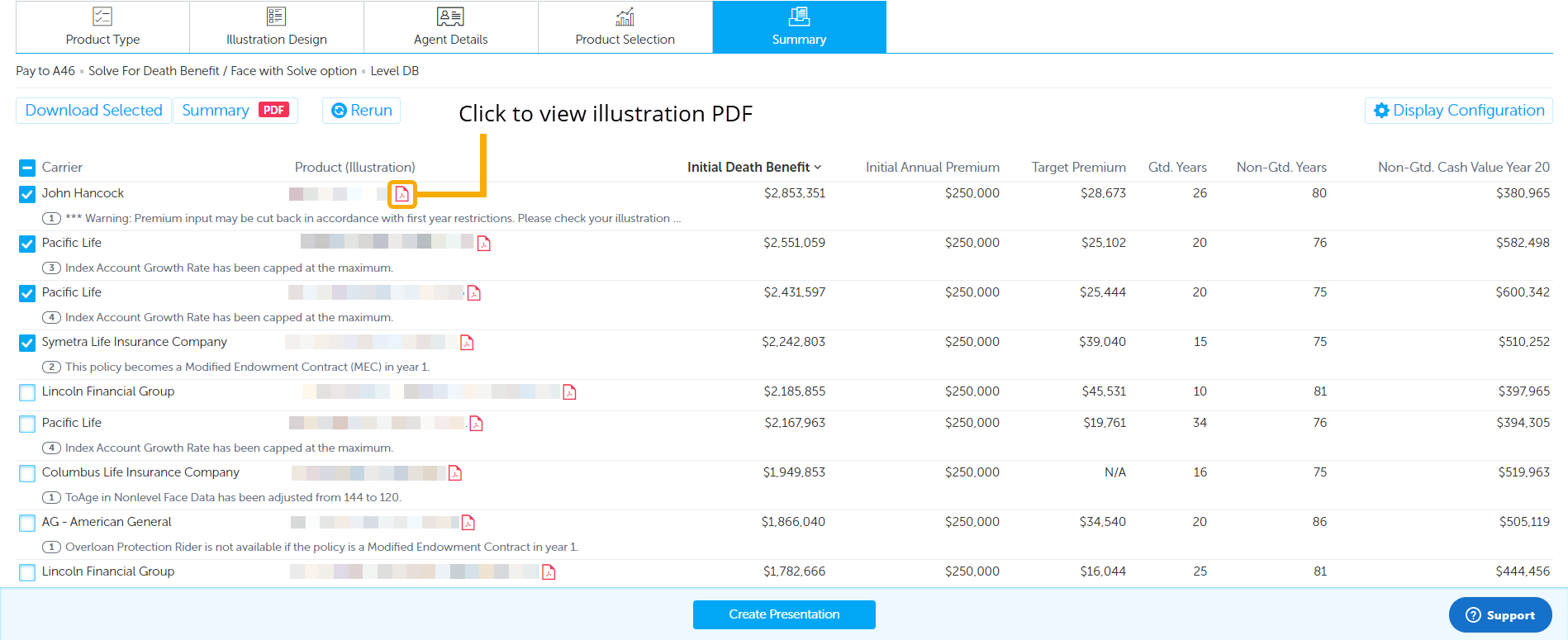
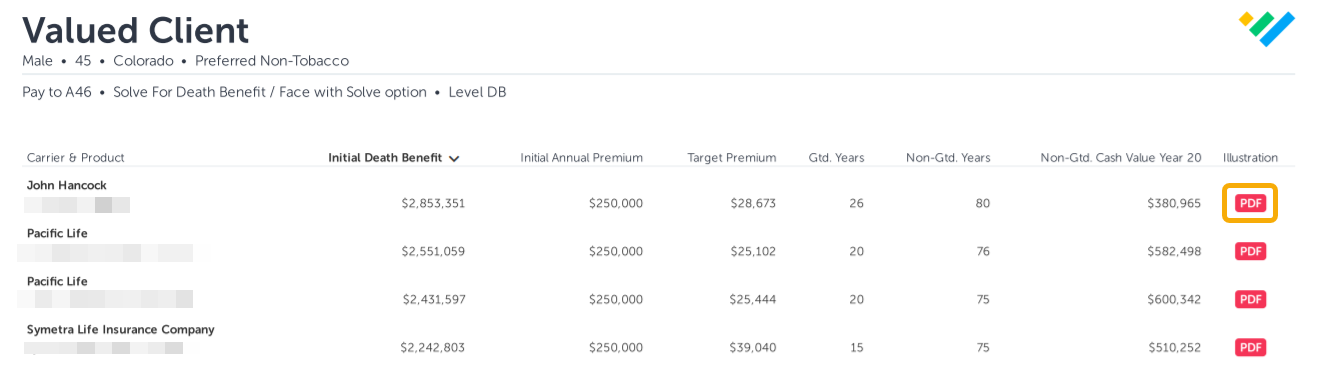
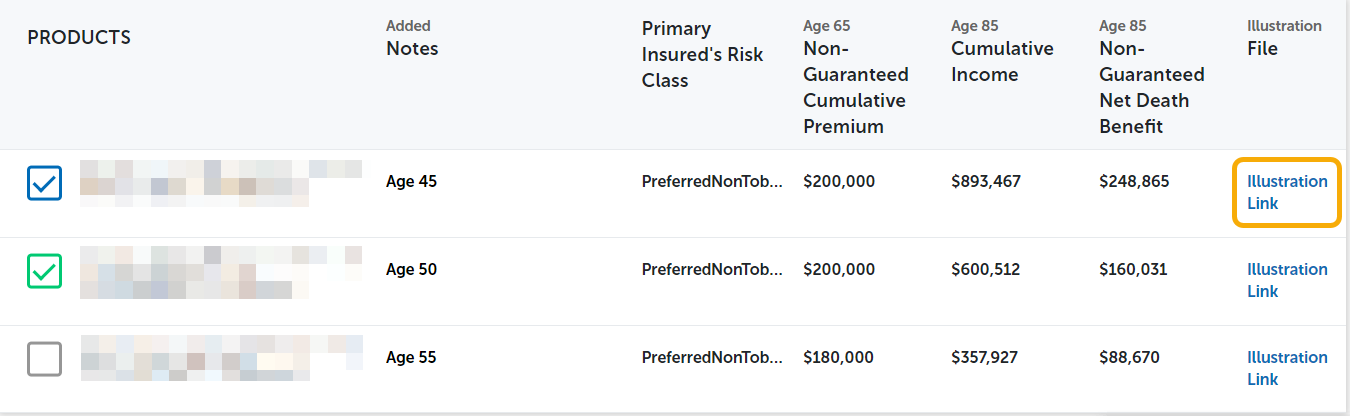
In order to access an illustration, click on the illustration link or PDF button. The illustration links are available on the Summary page and Summary PDF in Ensight Intelligent Quote. They are also available on the Product Table and Charts in Ensight Presentations. See the illustration links and buttons below:
On the Ensight Intelligent Quote Summary page
In the Summary PDF (from Intelligent Quote)
In Ensight Presentations (Product Table / Charts)
If you are experiencing issues accessing an illustration through the illustration link or PDF button, please do the one or more of the following:
1. Check to see if you are using Internet Explorer. Ensight does not support Internet Explorer as a browser. We recommend using Google Chrome instead.
2. Check to make sure you have the latest version of Adobe software. You may have to update or reinstall Adobe software to fix this issue.
3. Review your firm's internal security and firewall settings. They may be blocking the illustration from displaying.