TEMP Zendesk
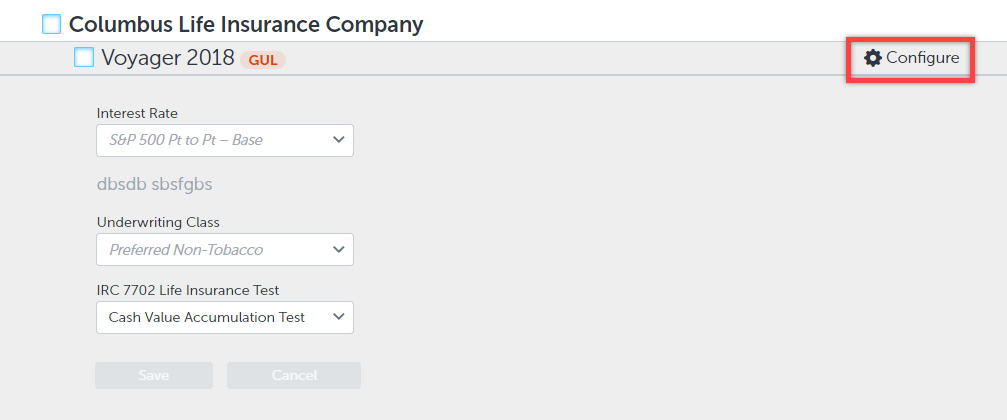
Configure specific life products on the Product Selection page with the new product "Configure" button. Simply click the gear icon or "Configure" text to open this drop down menu which allows you to change bonus allocations, underwriting classes, IRC 7702 life insurance tests and more!
Check out this short video that highlights the product specific drop-down "Configure" button's functionality (previously a down arrow):
See below what the Product Configure button looks like now: