TEMP Zendesk
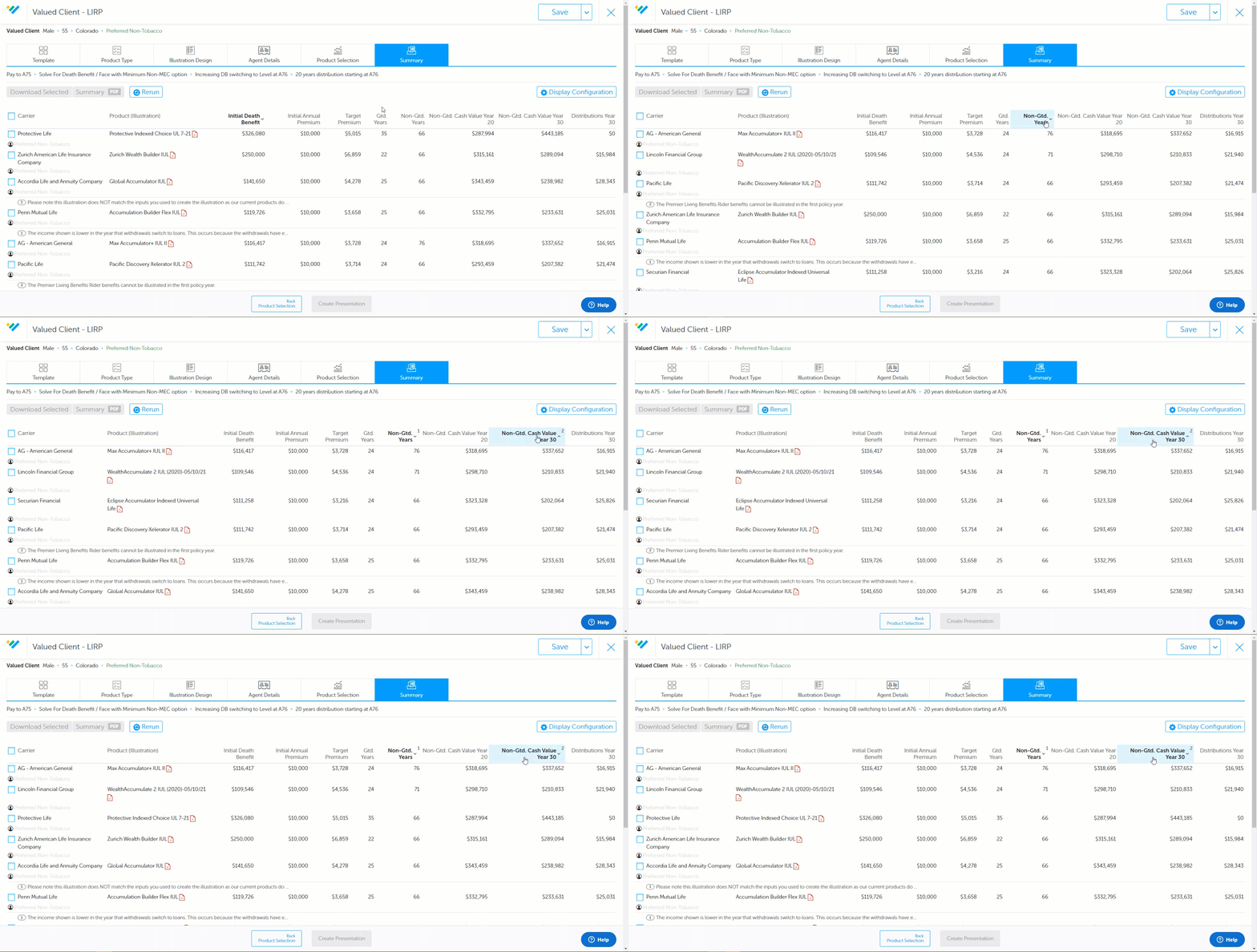
Sort using multiple columns on the Intelligent Quote Summary Page so that you can group by one value and then sort again within that grouping. To do this, hold the "CTRL" (control) key and left-click the value headers in the order you want to sort them. A number will appear next to the value headers indicating which values are prioritized first, second, third, etc. To reset the sorting, click on any column that is not currently one of the sorted columns.
See the changes below: