TEMP Zendesk
We have added "Next" and "Previous" buttons to Ensight Presentations. These make it easier to navigate between pages enabled when in Presentation View mode. See image below:
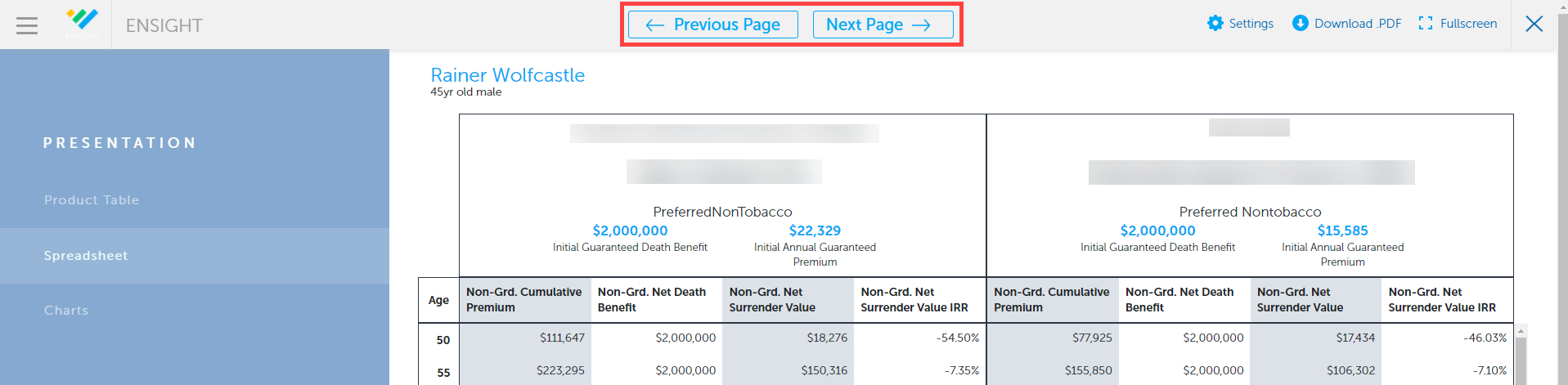
These buttons can be clicked to move from one page to the other. However, these are also bound to the arrow keys on your keyboard. Pressing the left or right arrow keys will take you back or forward through the presentation pages.
We have also added a new Fullscreen button so you can easily enter (and exit) a full screen view. These buttons will appear at the top right of your presentation while in Presentation View mode.
Click this to enter full screen view:
And click this button to exit full screen view: